AI Generated Images

Before You Send Your File
AI-Generated Images & Print Quality
Everything you need to know before sending us an AI image for large-format printing.
Why AI Images Often Can't Be Printed Large
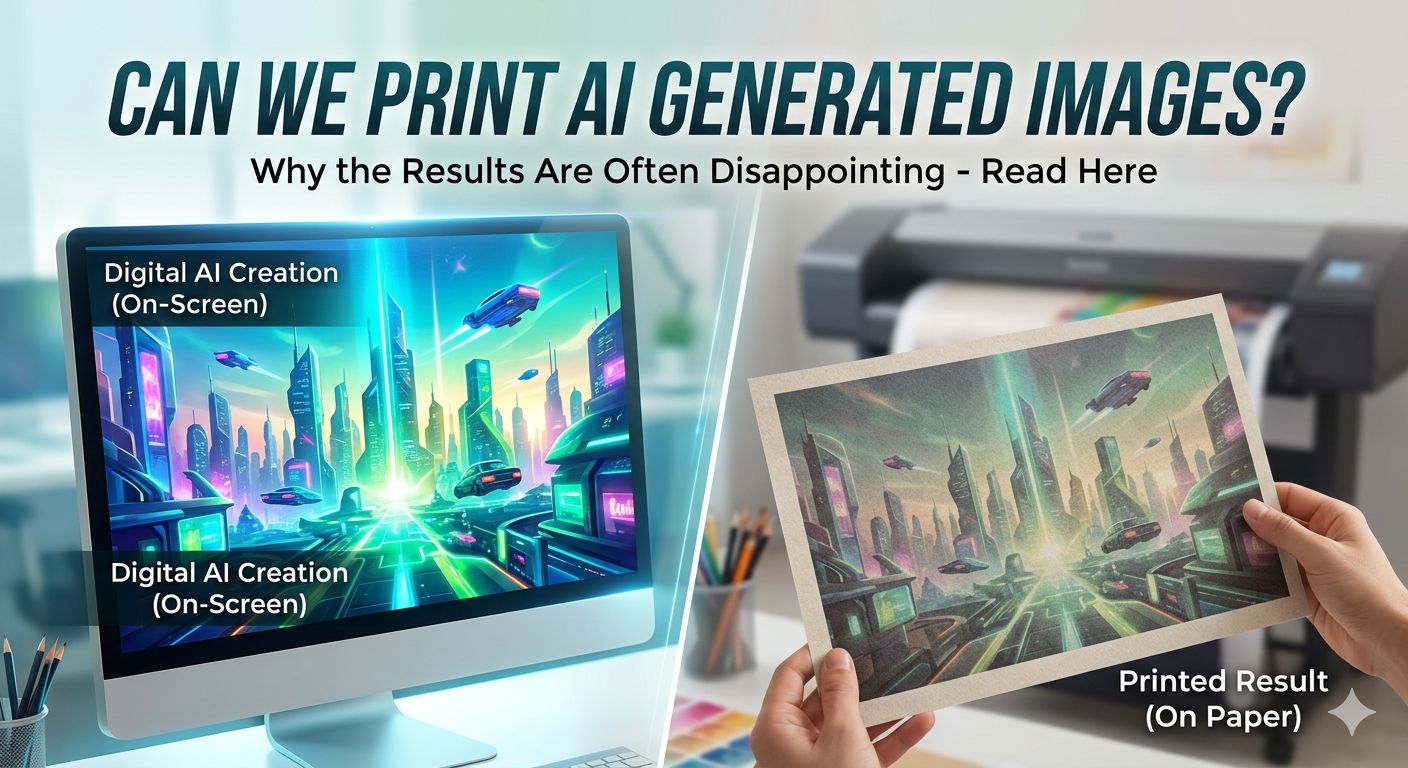
Every image is made up of pixels — tiny coloured squares. The more pixels an image has, the larger it can be printed clearly. AI image generators like Midjourney, DALL·E, and Stable Diffusion produce images with a relatively small number of pixels, which is fine for screens but falls well short of what's needed for large print.
To print sharply at 60 cm wide, your image needs roughly 7,000 pixels across its width. Most AI images are only around 1,024 pixels wide — when you try to print that at 60 cm, those pixels get stretched into large blurry squares. This is called pixelation, and there's no fixing it after the fact.
Think of it this way: it's like photocopying a small image and blowing it up to A2 — the original looked fine, but the enlargement just exposes the blur. Or think of printing a photo taken on an old Nokia: perfectly sharp on a tiny screen, but falls apart the moment you go large.
I asked by AI to create a vector/cut ready file
AI images are simply not cut ready - even if you ask your AI to make them cut ready, they wont be. Think of the file as a briefcase - if you put an AI generated picture file in a PDF, EPS or SVG 'briefcase' - the contents will still be the same.
How to Check If Your File Is Suitable
Before sending anything, check the pixel dimensions of your image. Here's how:
Right-click the file → Properties → Details tab. Look for Width and Height under Image.
Open the image in Preview → Tools → Show Inspector. The pixel dimensions are shown at the top.
The rule of thumb: for a sharp 60 cm wide print, you need a minimum of 7,000 pixels wide. For 30 cm, at least 3,500 pixels.
If your image is 1,024 × 1,024 — a typical default AI output — it is not suitable for anything larger than about 9 cm.
Minimum Pixel Sizes for Common Print Widths
| Print width | Pixels needed | Typical AI output (1,024px) | Upscaled AI output (2,048px) |
|---|---|---|---|
| 20 cm | 2,362 px | No | Borderline |
| 30 cm | 3,543 px | No | No |
| 45 cm | 5,315 px | No | No |
| 60 cm | 7,087 px | No | No |
| 90 cm | 10,630 px | No | No |
These figures are for sharp, close-up print quality. Prints viewed from a distance — such as vehicle graphics — can work with fewer pixels, so if you're unsure just send it over and we'll check.
What About Upscaling or “AI Enhancers”?
There are tools that claim to upscale AI images — . These can sometimes help, but they work by inventing new detail rather than recovering detail that was never there. Results vary considerably depending on the image content. Most of these ' upscalers' are chargeable, so use them at your own risk.
If you've already upscaled your image, please let us know when you send it. We'll assess it when it arrives — but we can't guarantee the result will be sharp until we've seen it at the print size.
File Format — Does It Matter?
Yes. Please send images as PNG or TIFF rather than JPEG where possible. JPEG compression adds its own artefacts on top of any existing resolution issues, which makes things worse.
Important: a large JPEG file size does not mean the image has high resolution. These are different things. A 10 MB JPEG can still be a low-resolution image — the file size reflects compression settings, not pixel count.
The Honest Truth
AI image generators have improved enormously in a short space of time, and they'll continue to do so. But right now, the resolution they produce natively is simply not there for large-format printing. These images are built for screens.
We're not trying to put you off. If you have an AI image and you're not sure whether it'll work, just send it over and we'll take a look. But we'd rather tell you upfront than print something that disappoints you.
About the Author